
Video & Podcast WordPress Themes
Compare five video and podcast demo designs powered by JNews. Browse video channels with StreamOn, PlayIt and Video Demo, or build an audio catalogue with Podcast and Audio-Media. Review complete episode pages and each demo’s requirements before import. Show MoreShow Less
Organise media around what readers follow
A channel, series or recurring programme gives visitors a useful reason to return. Make those relationships clear in navigation and episode titles. A homepage can highlight the newest release while preserving a direct route to earlier episodes and related editorial articles.
Publish a useful page around each player
Introduce the topic before playback and add relevant credits, timestamps or written takeaways where they help. Text gives visitors a way to judge an episode even when they cannot listen immediately. Assess media hosting and player behaviour separately from the visual catalogue design.
Compare relevant JNews demos
Use these examples as a starting point. Their descriptions reflect the demos assigned to this category; the live previews let you compare the actual homepage and article presentation.
- Audio-Media: An audio magazine WordPress template for podcasters and audio magazines. Features a wide listening-focused hero above featured and popular podcast collections.
- Podcast: A podcast WordPress template for podcast networks and audio collection publishers. Features an audio catalogue with a persistent left menu and collections of podcast cards.
- StreamOn: A video magazine WordPress template for video curators and entertainment publishers. Features a video-card homepage with avatar shortcuts and grouped recommendations.
Test an episode without pressing play
Read the title, summary and accompanying text before using the player. Check whether a visitor can identify the topic and find earlier episodes. Then assess playback and media behaviour with the hosting setup you intend to use.
Understand what a JNews demo includes
JNews provides the WordPress theme behind these designs. A demo gives you a prepared visual starting point and sample material for a particular publishing approach. Review the exact demo detail page for the layouts and requirements you intend to use; a preview is not a promise that every specialist service or integration is included. The designs in this catalogue belong to the premium JNews offering. Check the current purchase and licence information before deciding which setup suits your project.
Import and make the design your own
Install your JNews edition and the plugins required by the selected demo, activate the relevant licence and open the JNews Import Demo & Style tools. Review the available import choices before proceeding. Back up an existing site and try the import in staging first. Replace demonstration branding, navigation, articles and media with your own material, then use the available design controls to adjust the publication. Confirm any external services separately and test your finished homepage, archives and articles on desktop and mobile.
Showing 1–5 of 5 themes
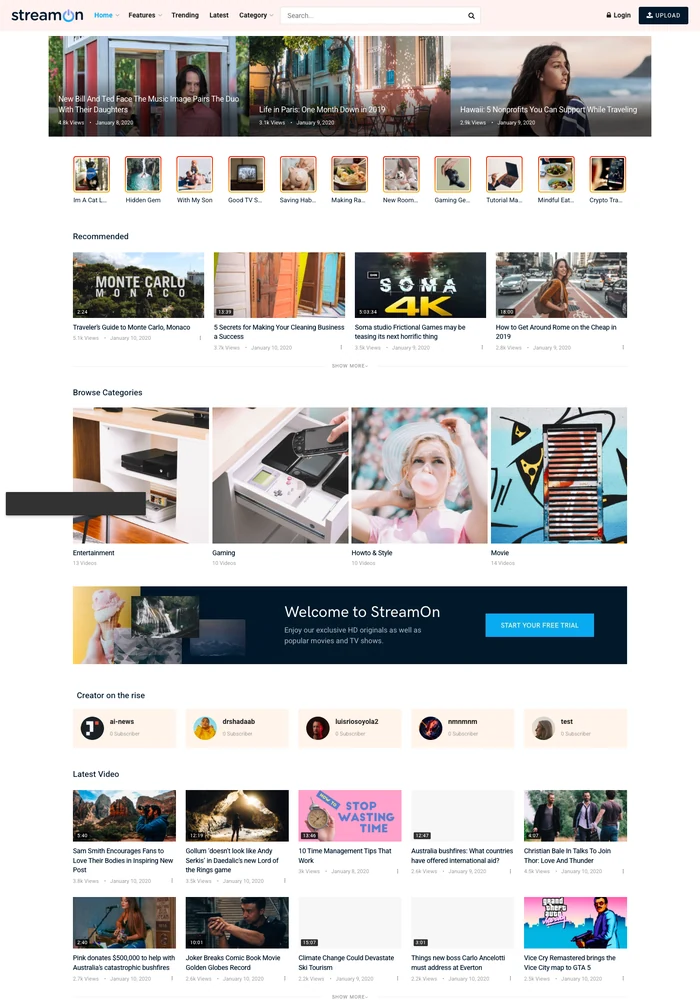
A video magazine WordPress template for video curators and entertainment publishers. Features a video-card homepage with avatar shortcuts and grouped recommendations.
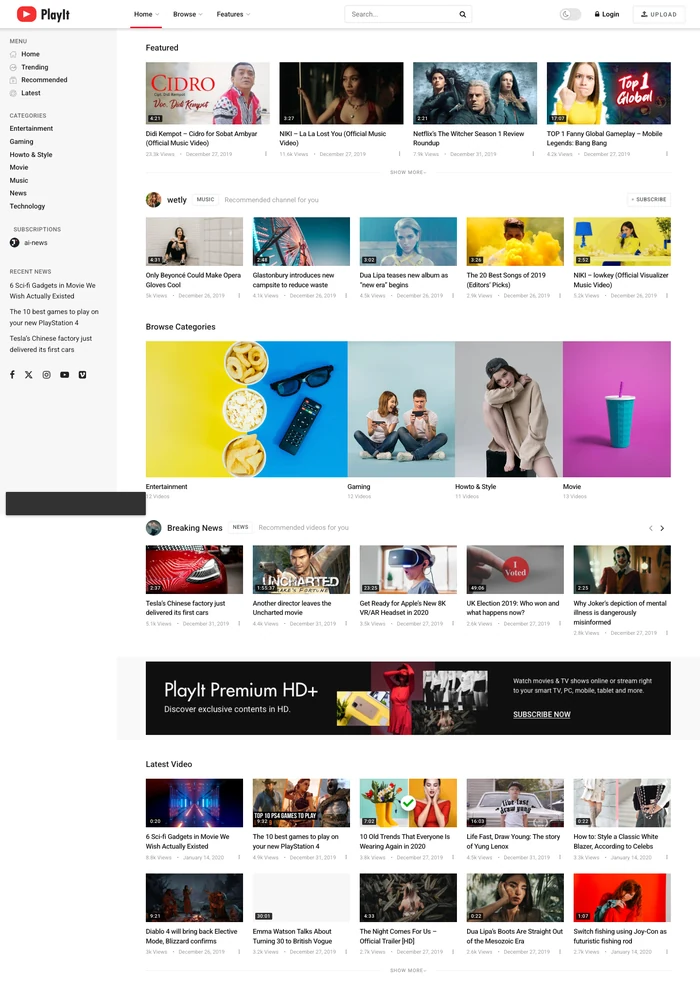
A video magazine WordPress template for video publishers managing multiple channels. Features a featured-video grid beside a persistent left navigation area.
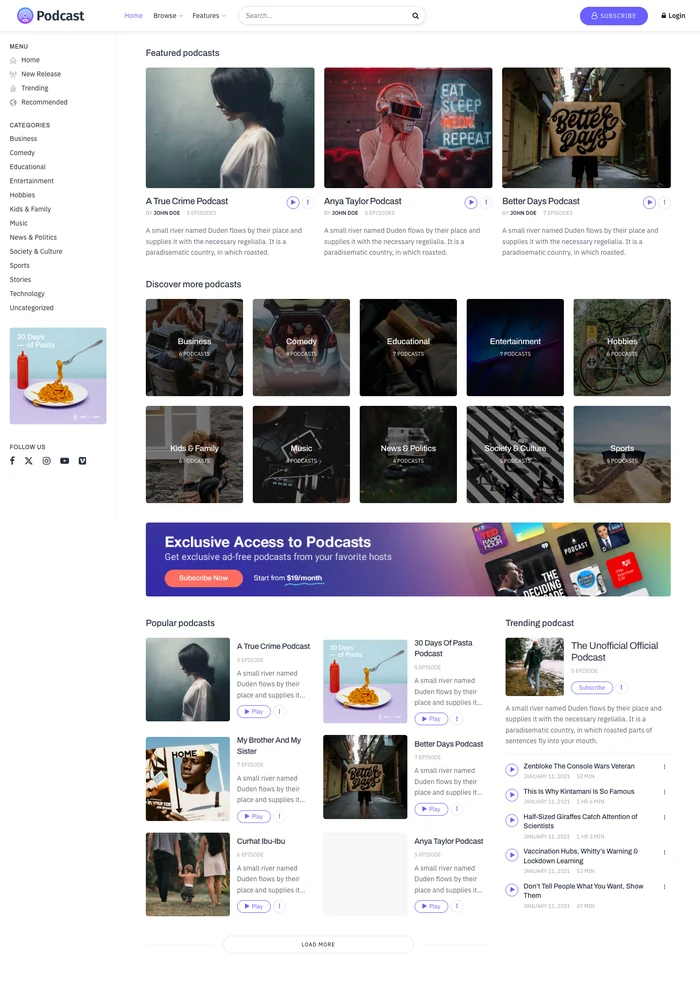
A podcast WordPress template for podcast networks and audio collection publishers. Features an audio catalogue with a persistent left menu and collections of podcast cards.
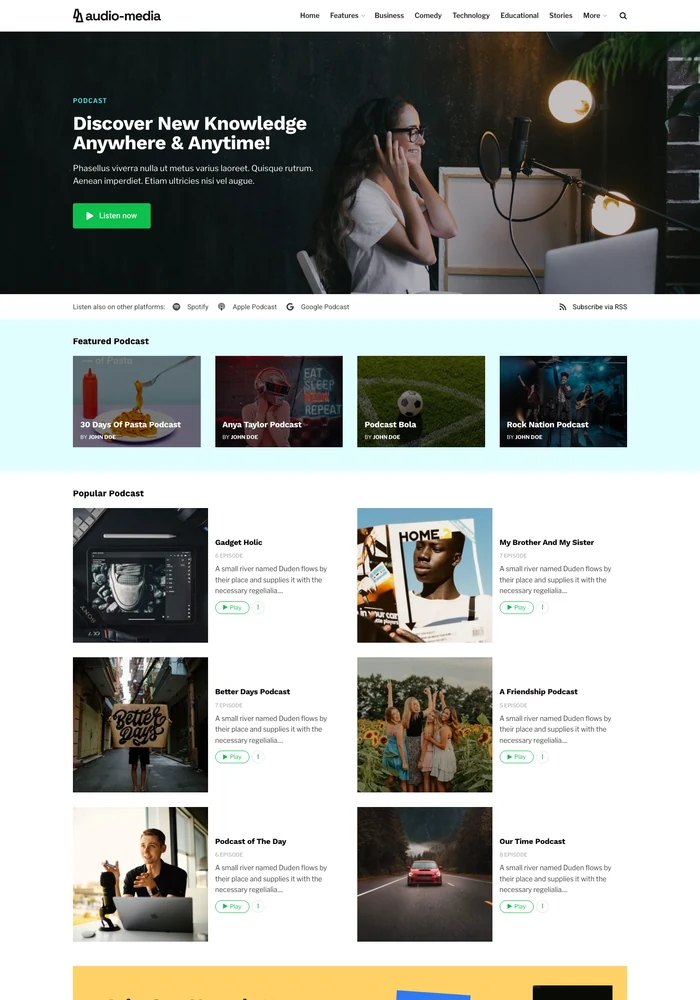
An audio magazine WordPress template for podcasters and audio magazines. Features a wide listening-focused hero above featured and popular podcast collections.
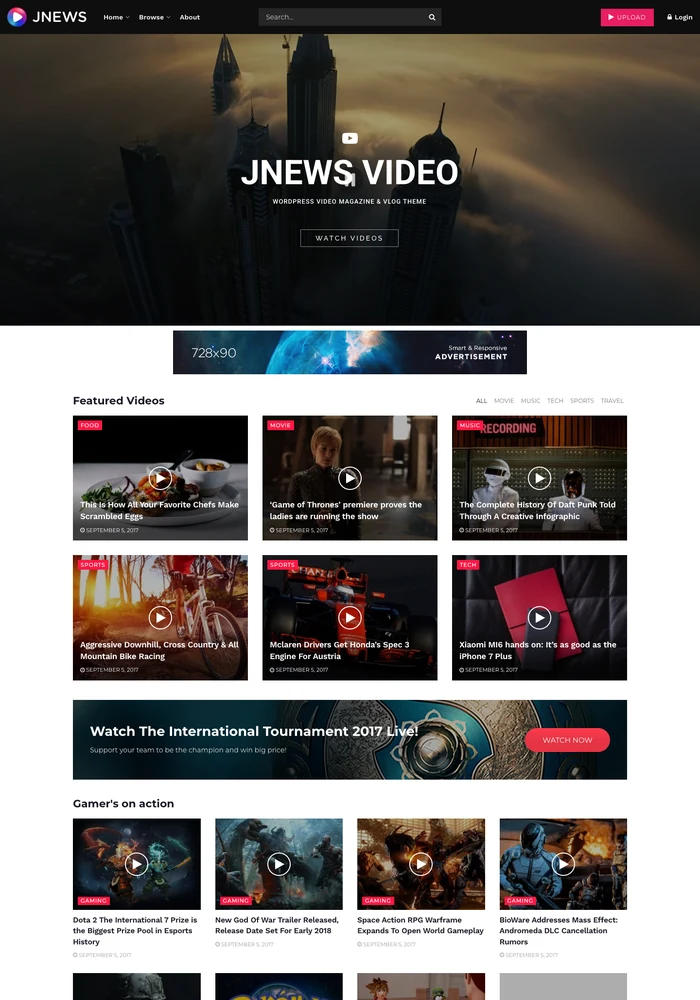
A video magazine WordPress template for video publishers covering entertainment. Features a dark-navigation homepage grouping featured videos into topic collections.
Join 29,815+ publishers already building with JNews.
From independent bloggers to high-traffic media companies, already chosen JNews to power their site.
JNews is the best blogging Theme for WordPress,with one-time fee This theme has everything you can possibly need for a blog, most of the features are simplest and really easy to learn.

Content Creator
I love the JNews theme. JNews enables you to create a good looking and highly converting news and blog website. Thanks to all the pre made templates,
you can have your own news and blog website up and running in no time.

Content Creator
Complete Solution for
News, Blog & Magazine Websites
That Perform
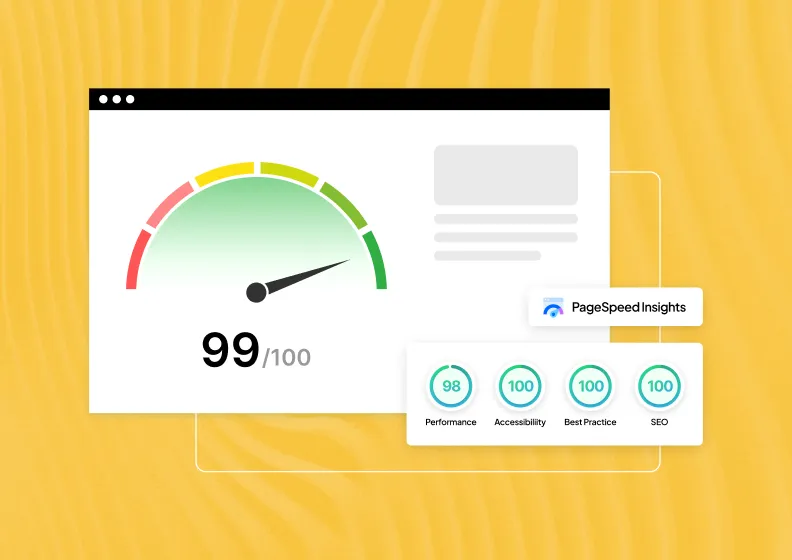
Speed & Performance
Every second of load time costs you readers and rankings. Core Web Vitals stay in the green, not just on a testing tool.
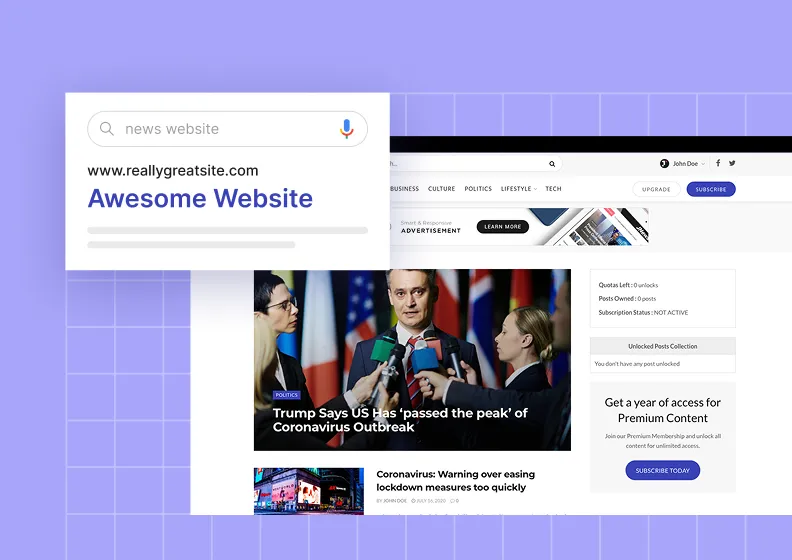
Native SEO
Structured data and clean schema markup get every post crawled and indexed from the moment it’s published.
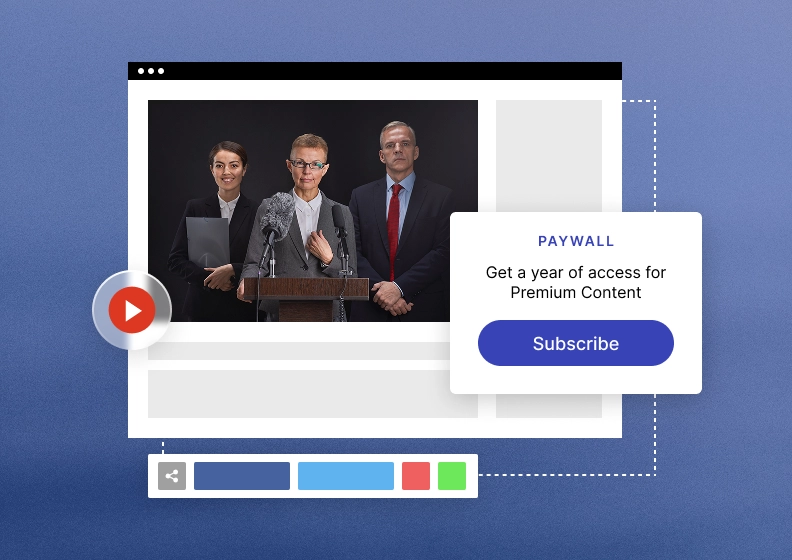
Monetization
Turn one website into multiple revenue streams, ads, subscriptions, affiliate, and sponsored posts, all native to the theme.
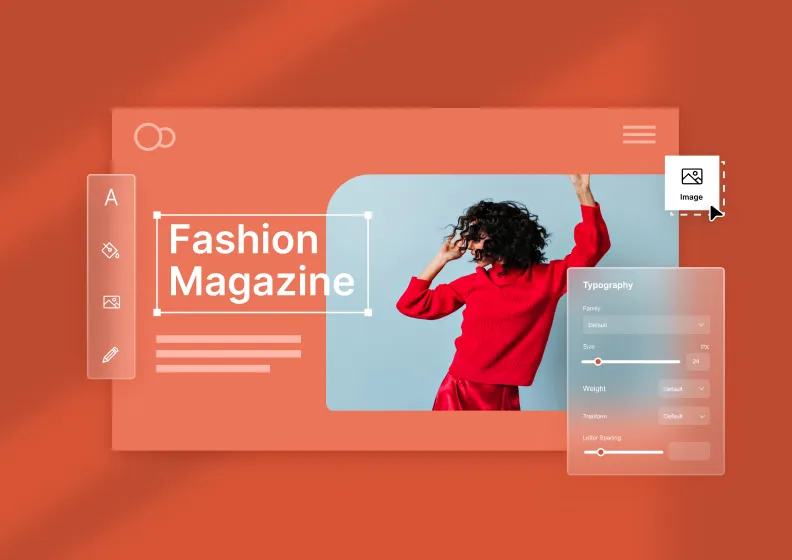
Design & Customization
Shape every part of your publishing site without touching a single line of code, from layouts & typography to colors and elements.
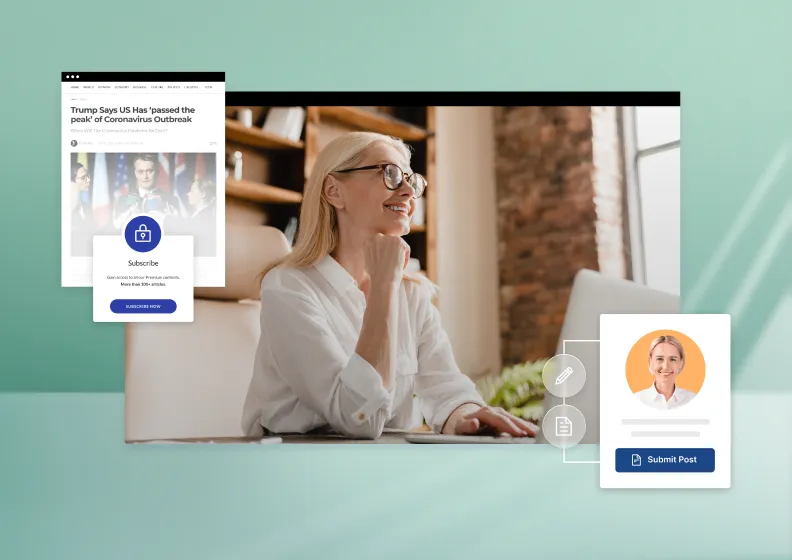
Publishing
Draft, schedule, and update content without leaving the editor. A faster workflow means more time for readers, less for admin.
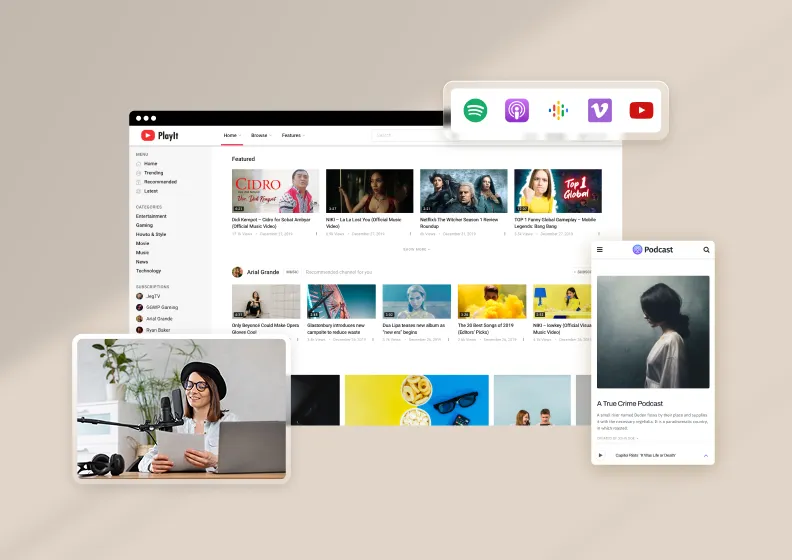
Rich Content Types
Go beyond articles with galleries, videos, podcasts, reviews, and recipes, each with its own dedicated layout.
Why Choose JNews
Top 6 Reasons Why You Should Use JNews
Frequently Asked Questions
Who are these media magazine WordPress themes suitable for?


This collection is intended for publishers presenting video, audio, music stories and other media-led collections. Media publishing needs a clear introduction to each item as well as an appealing collection page. The demos here cover audio and video collections alongside music and film subjects, letting you compare editorial descriptions, thumbnails and the way related content is grouped. Use it to compare publishing approaches within this subject, then choose the demo whose homepage and article presentation match the content you plan to maintain.
What should I check before choosing a layout for an audio or video collection?
Look at how an item is introduced, how related items are grouped and whether titles remain clear when thumbnails are small. Check the exact demo and its details for the format you intend to use. A video-oriented design and an audio collection may share an editorial style while needing different publishing decisions.
What should I compare in a media magazine layout?
Plan how readers will distinguish formats and find a series or subject they want to follow. Compare title clarity, thumbnail crops and supporting descriptions rather than relying only on a prominent cover. Open the relevant live demo to inspect its media presentation before deciding whether it matches your own publishing workflow. Open both the homepage and complete articles, and compare the same content types across your shortlisted demos so the differences are meaningful.
Which media demos should I preview first?
Start with Audio-Media, Podcast, StreamOn. An audio magazine WordPress template for podcasters and audio magazines. A podcast WordPress template for podcast networks and audio collection publishers. A video magazine WordPress template for video curators and entertainment publishers. Open their live previews to compare the differences described here, then review the rest of the category if you need another editorial approach.
Can I customise a media magazine demo for my own publication?
Use the selected demo as a starting point for your own content and editorial identity. Review its details and confirm the builder and import workflow for your setup before making changes. For media publishing, compare your own photographs and headlines with the sample layout, then adjust the sections, navigation and visual choices around the stories you actually plan to publish.
What content should I prepare before using a media magazine design?
Prepare a few real article titles, an introductory paragraph, a short post and a longer feature, together with photographs or other media you expect to use. Think about the recurring subjects relevant to publishers presenting video, audio, music stories and other media-led collections. Testing that content against the live previews helps you spot whether a homepage needs fewer sections, clearer categories or a different balance between images and text.
How should I compare these media designs on mobile?
Open the live previews on a phone and compare the navigation, headline wrapping, image crops and the amount of scrolling needed to reach a full article. Follow a realistic route from a media homepage to an article and then to another relevant story. Judge the experience with your expected content length and media, and test again after you have customised your chosen layout.
Can a media publication expand into related subjects later?
Plan categories around recurring interests rather than creating a separate section for every article. Plan how readers will distinguish formats and find a series or subject they want to follow. Add related subjects when you have enough useful content to support them and check that the homepage still explains the publication clearly. Some JNews demos appear in both a publication type and a topic category, so you can compare nearby collections when your editorial scope changes.
What is the difference between JNews and a demo design?
JNews is the underlying WordPress theme. The demos are prepared designs that show different ways to present a publication with that theme. Choose a demo as a starting point, then replace its sample material and adapt the layout to your own audience. Check the selected demo details for its requirements rather than assuming that every preview uses exactly the same setup.
Are the media designs free standalone WordPress themes?
These designs are part of the premium JNews theme collection. They are not separate free themes to install independently. Review the current JNews pricing, licence terms and the selected demo requirements before purchase or import. The catalogue helps you compare visual and editorial approaches, while the product information explains which edition and access apply to your project.
How do I import a JNews demo for media?
Prepare a WordPress installation with your JNews edition and the required plugins, activate the relevant licence and use the JNews Import Demo & Style tools to review the available choices. Back up an existing site and test the process in staging. Replace sample text, logos, images and navigation with your own material afterwards, and configure any external services needed for the features you plan to use.