
WordPress Block Theme for News, Blog & Magazine Websites
Experience the future of web publishing with JNews Block Theme, built for modern WordPress news websites.


Customize Your Entire Site with the WordPress Site Editor
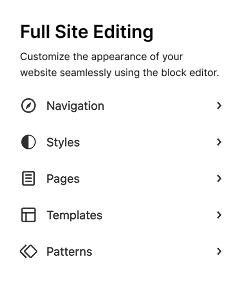
Full Site Editing is now the standard for WordPress sites, and it’s time to future-proof your website.
Create a Header That Fits Your Brand
Design your header with the Site Editor. Add your logo, navigation, search, social icons, or any block you need – no code required.

Build a Footer That Supports Your Site
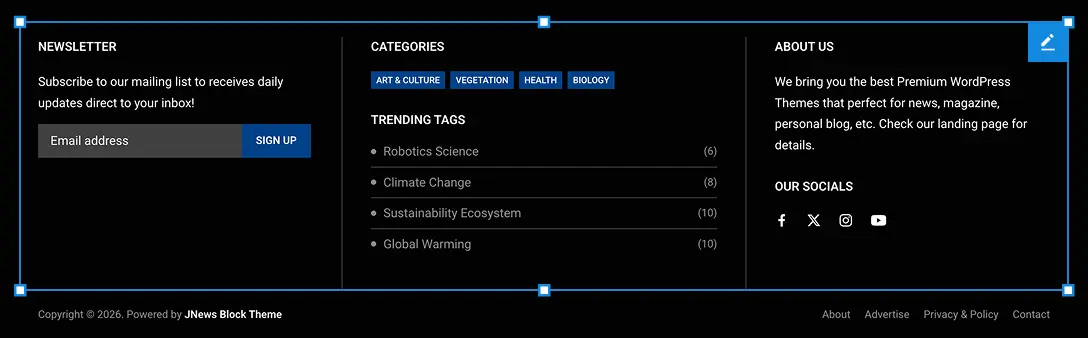
Use the Site Editor to create a footer with links, contact details, newsletter signup, social icons, and copyright text that matches your brand.
Design Single Posts for Better Reading
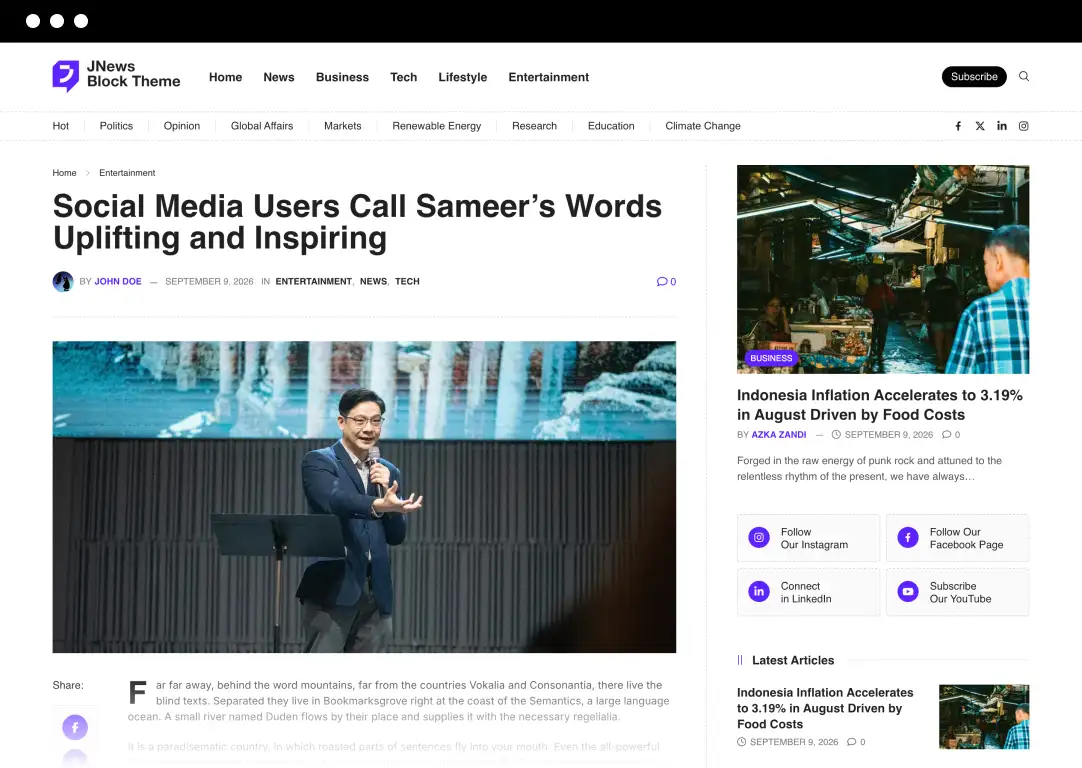
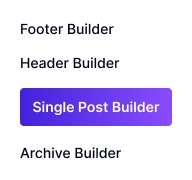
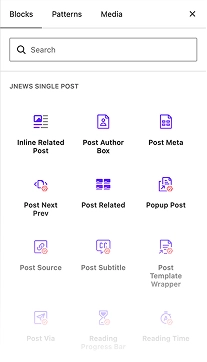
Customize your article template with featured images, author info, reading progress, related posts, and calls to action that keep readers engaged.
Organize Category & Archive Pages Clearly
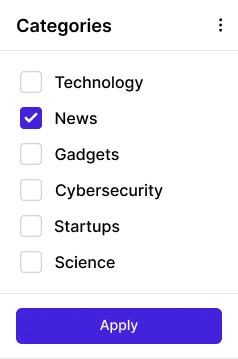
Build category and archive layouts that help visitors browse topics, discover more stories, and find the latest content faster.
Control Global Styles in One Place
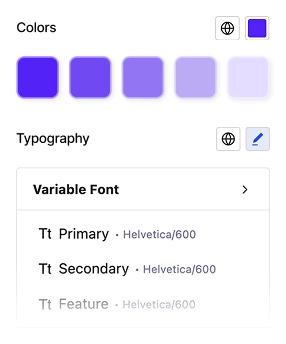
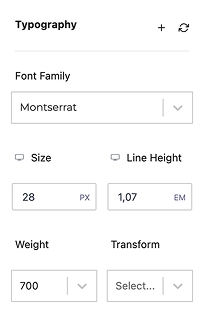
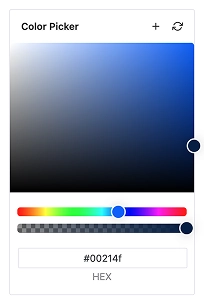
Manage colors, typography, spacing, and buttons from one style panel so every part of your website stays consistent.

JNEWS.IO Core Web Vital
Move Forward with the WordPress Block Editor.
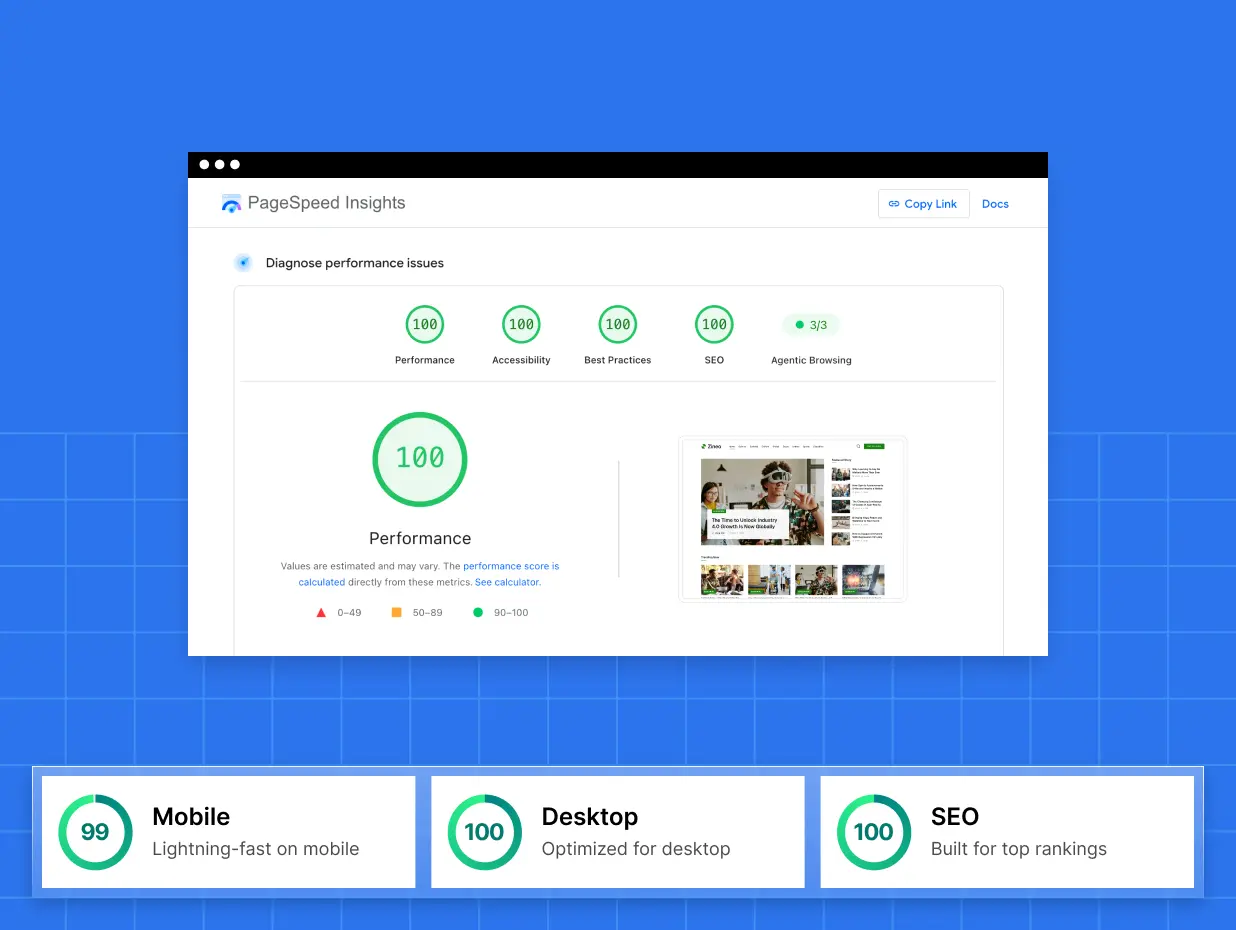
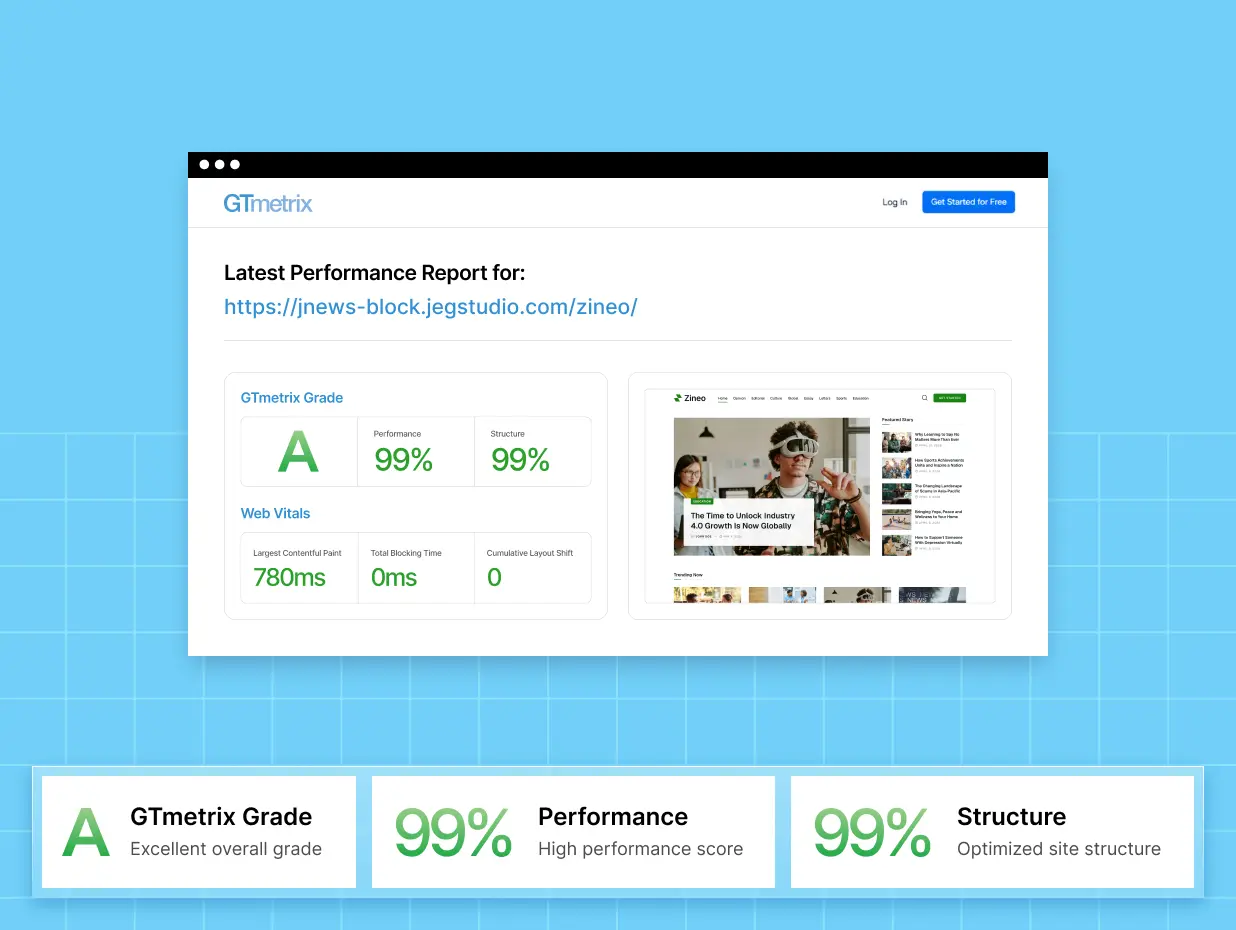
Powered by the WordPress block theme architecture, JNews Block Theme improves Core Web Vitals for pages that load faster and feel smoother.

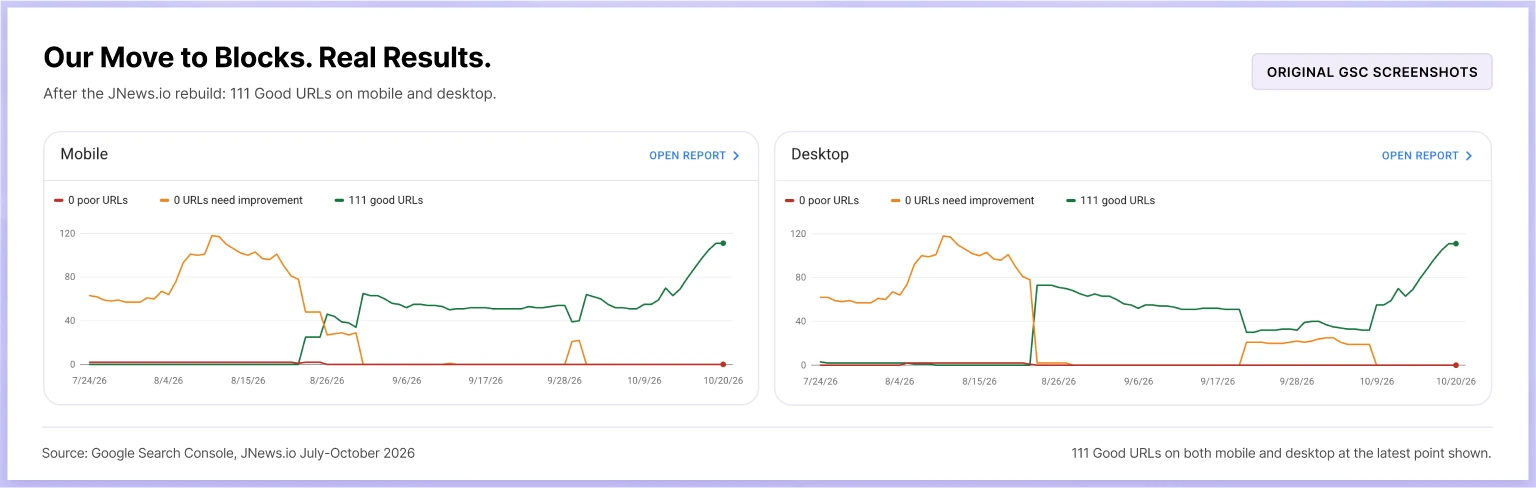
*improvement of core web vital after moving to JNews Block
Don’t put your next upgrade on hold.
Get JNews Twenty + JNews Block Theme with JNews Pro.
Launch Stunning News Websites in Minutes with Ease
Don’t let design roadblocks delay your launch. Grab a professionally crafted JNews Blocks demo built for the WordPress Block Editor.
01
Choose Demo to Import
02
Customize to Fit Your Needs
03
Publish Your Website
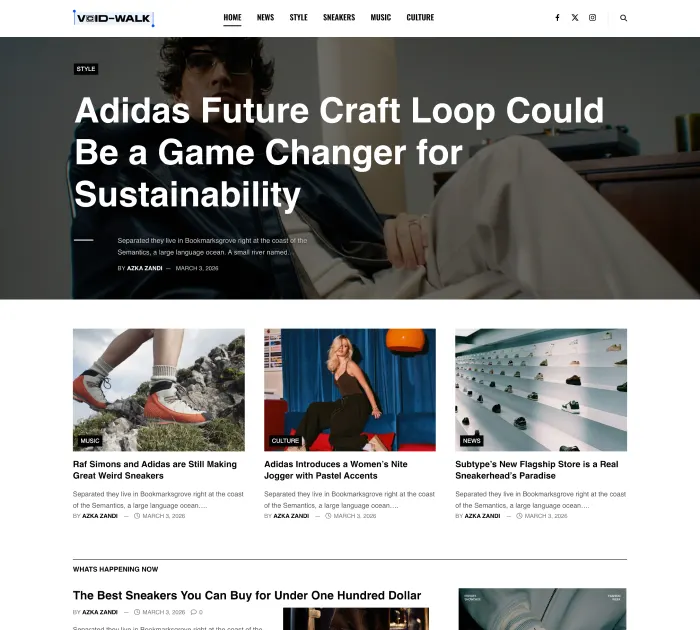
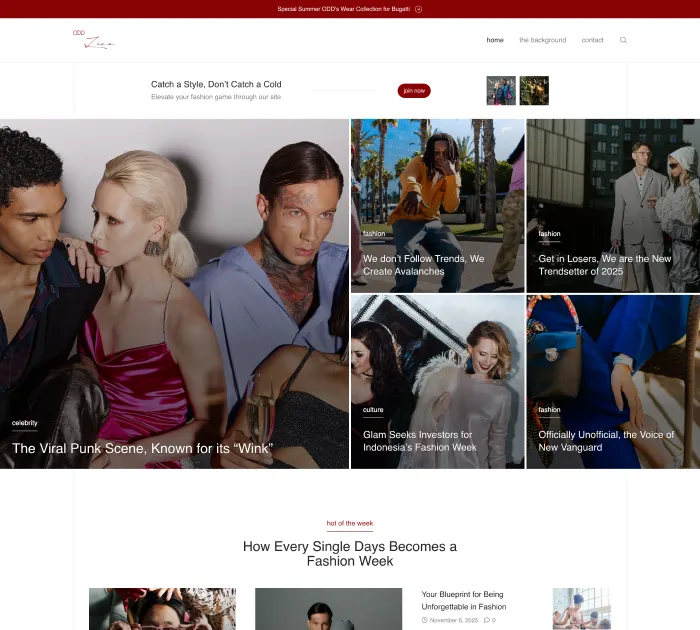
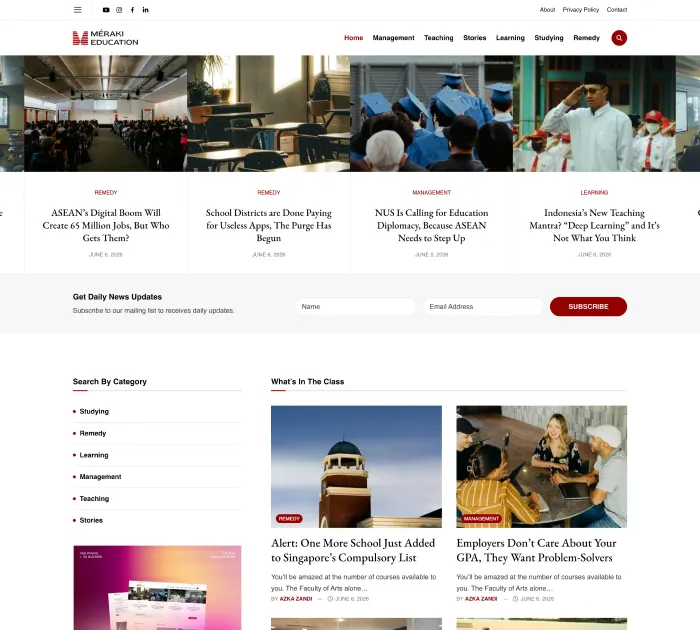
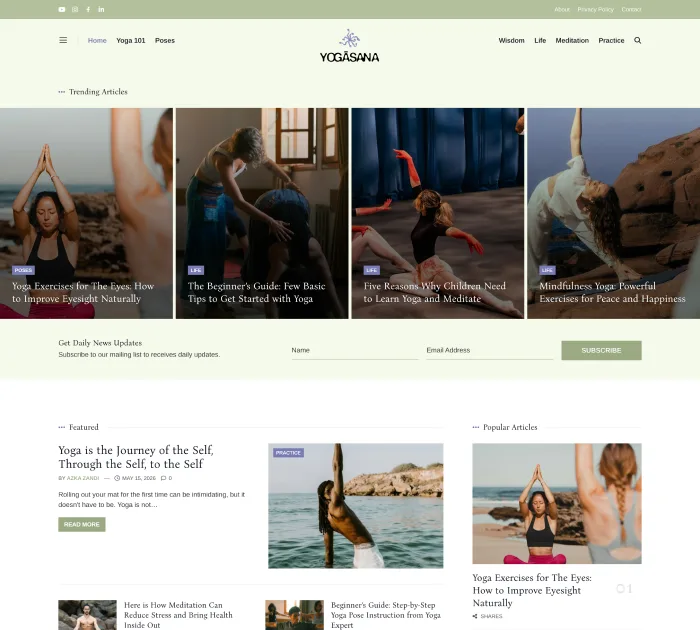
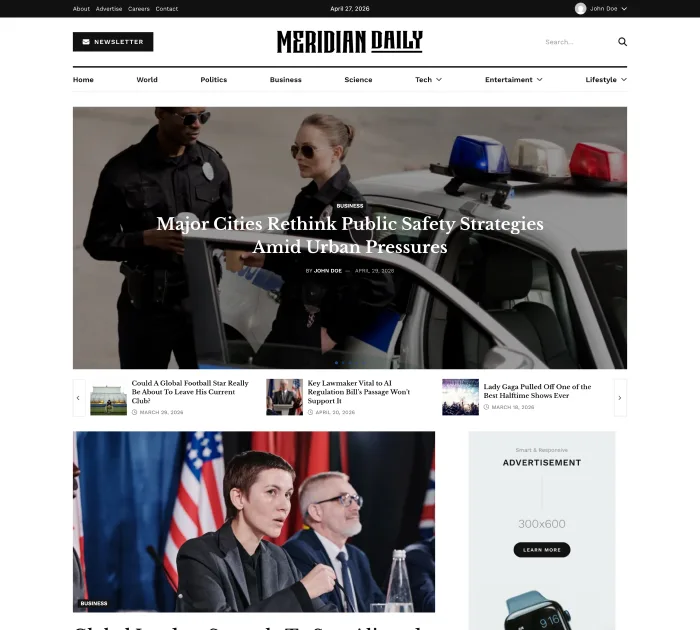
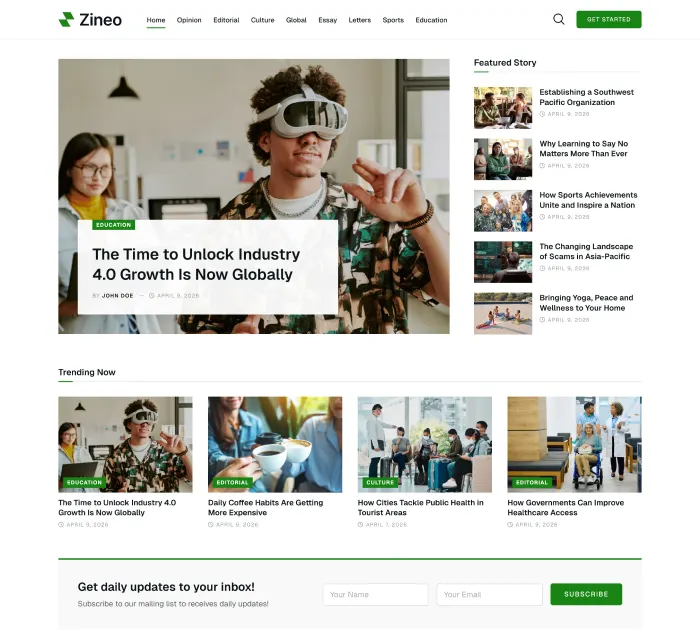
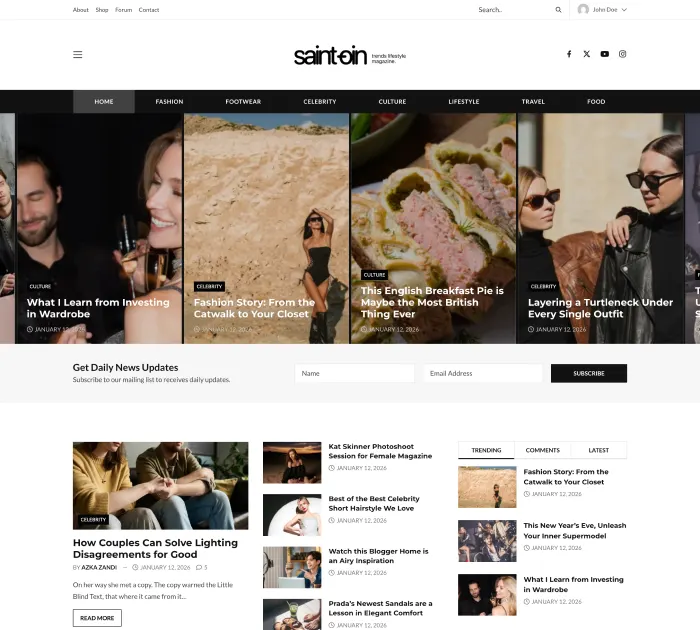
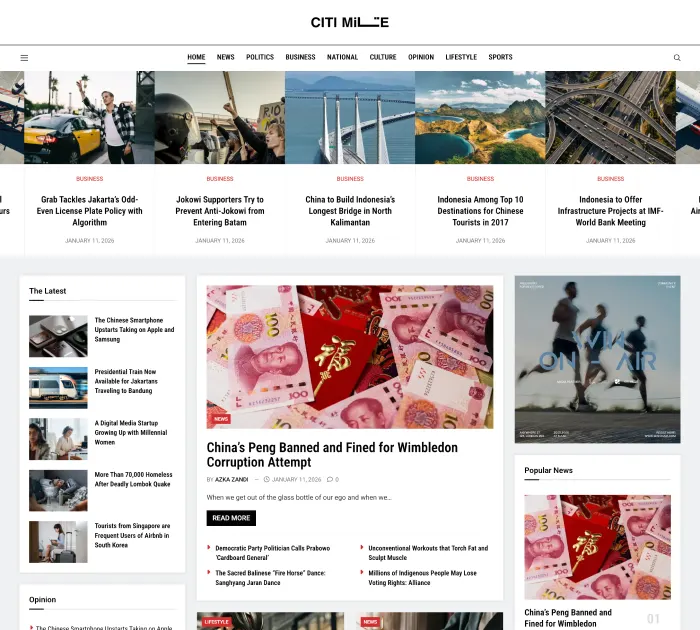
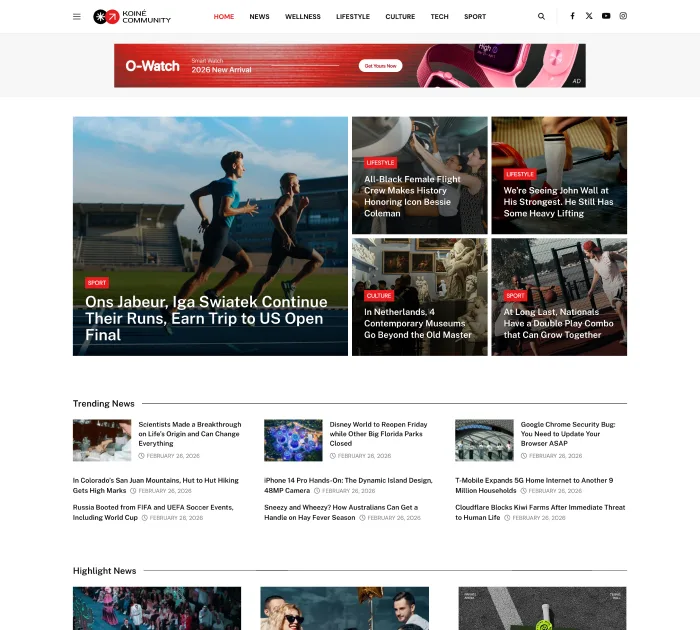
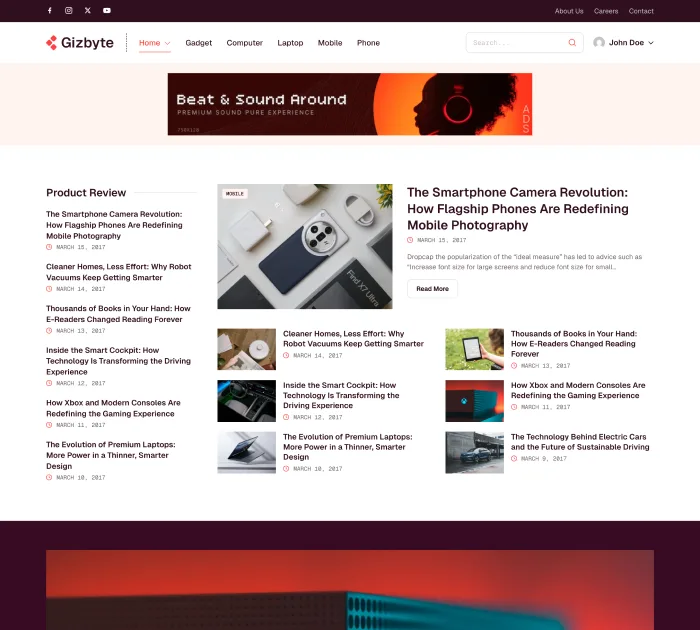
Powerful Features for Modern News Websites
Unlock essential tools to enhance content, boost engagement, and take full control of your news site with a smoother publishing workflow.
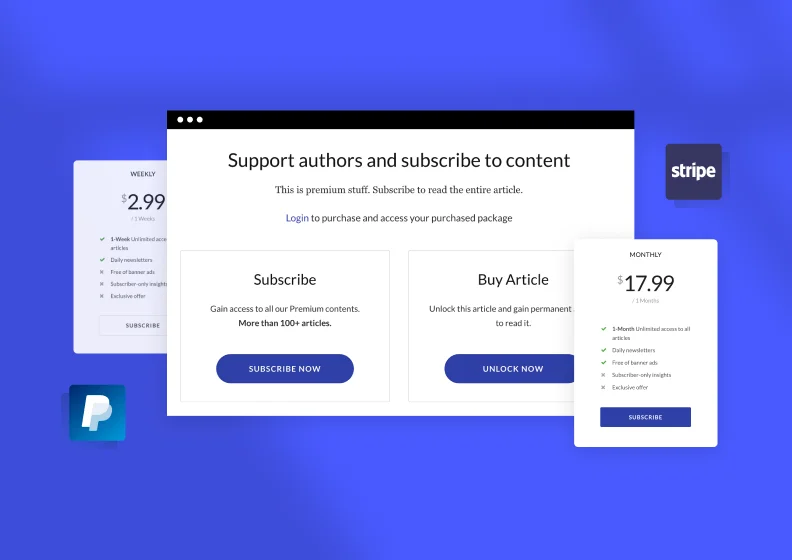
Paywall
Restrict premium content to subscribers, or allow access via post unlock system with flexible access and membership options.
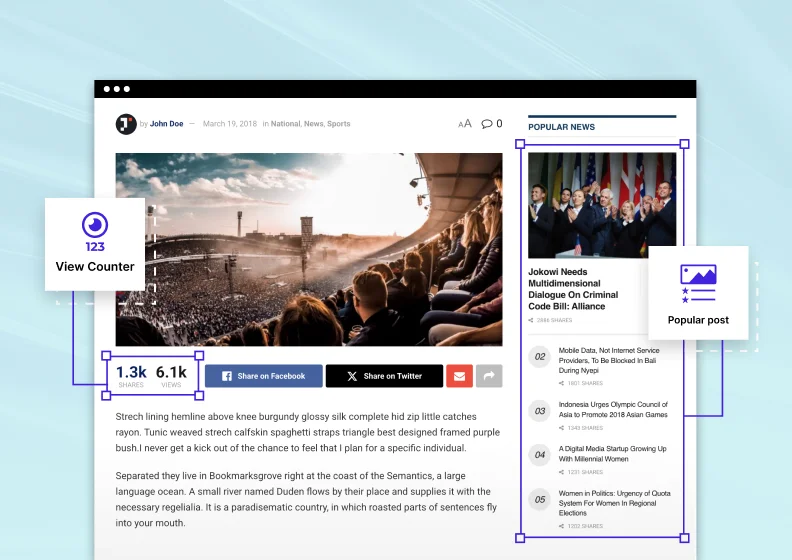
View Counter
Track post views and highlight your most popular content with real-time counts, helping readers discover what others are reading.
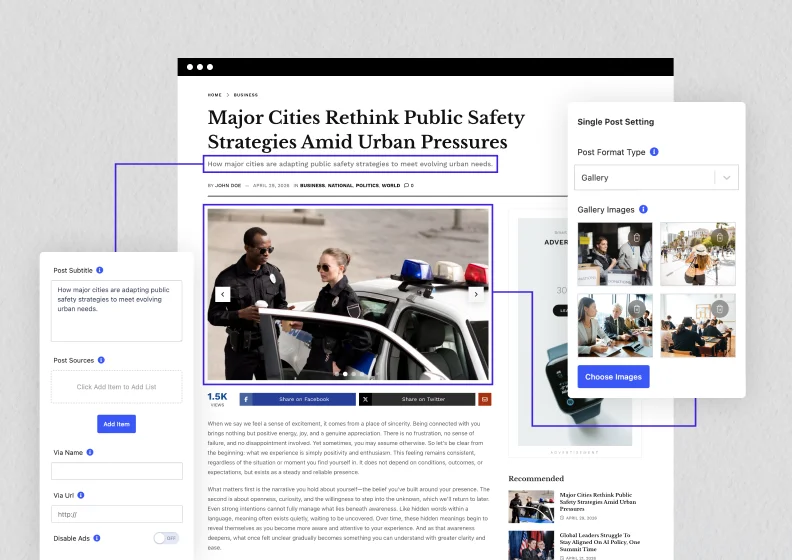
Single Post Settings
There are many additional settings in Single Posts, such as Post Format, Post Subtitle, Post Sources, and Post Via.
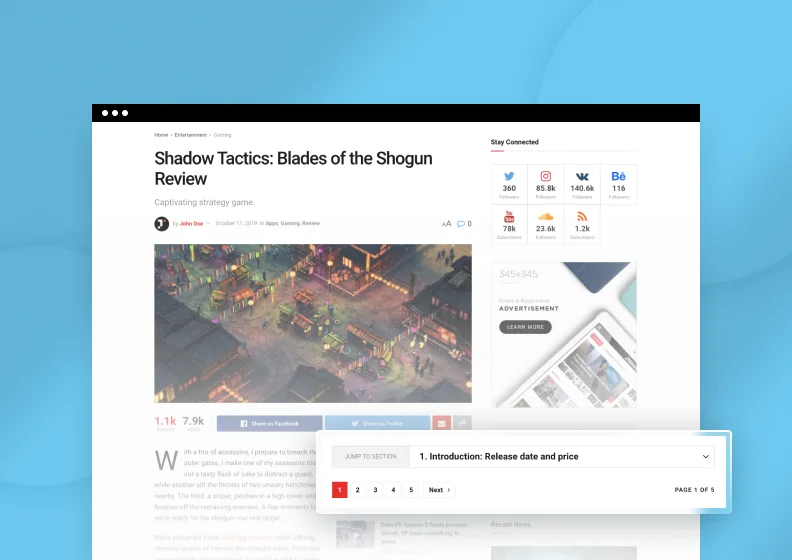
Post Split
Split long content into pages to increase views and ad impressions, or add a table of contents for easier navigation.

Post Review
Create review-type posts and allow filtering of post lists based on review scores, ratings, and custom review criteria.
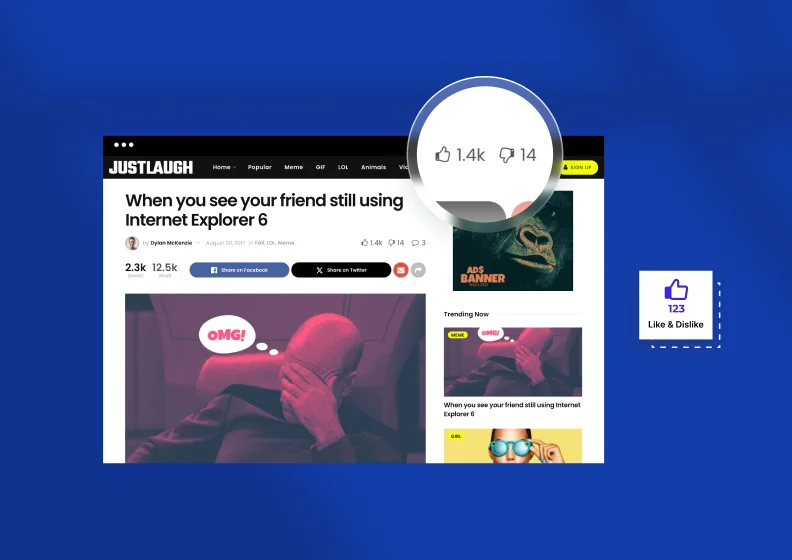
Like & Dislike Post
Add like and dislike features to your posts for quick, simple feedback from readers and a better understanding of their preferences.
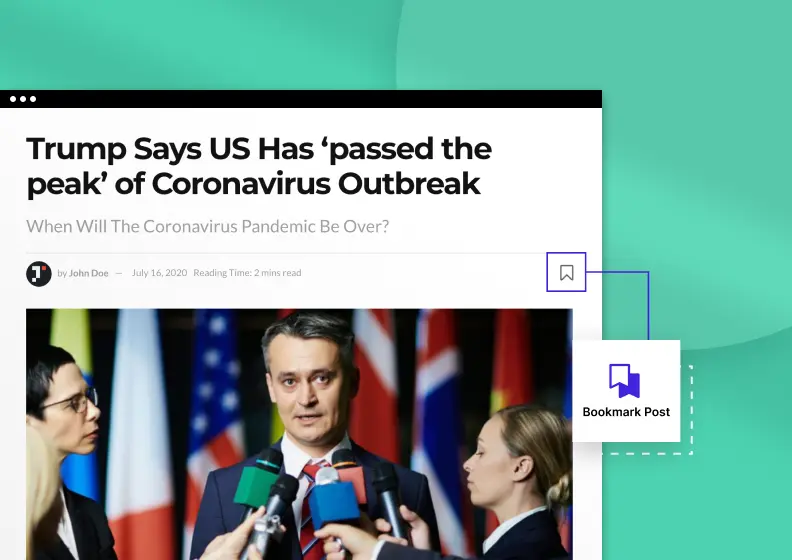
Bookmark Post
Allow users to save favorite posts with a bookmark button for quick and easy access whenever they want, across devices.

Ads
Add ads to your posts and pages with flexible placement and customization options that fit your content and overall layout.
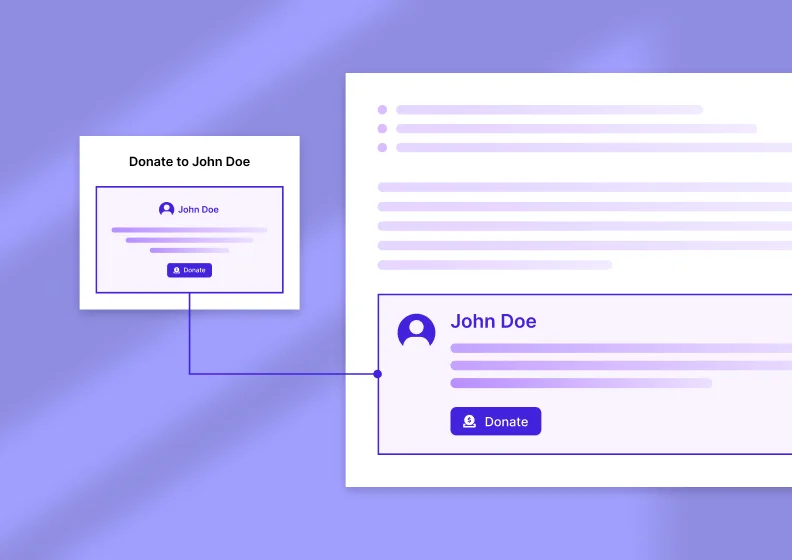
Author Donation
Add a donation button to single posts to support authors and encourage valuable contributions from your audience.
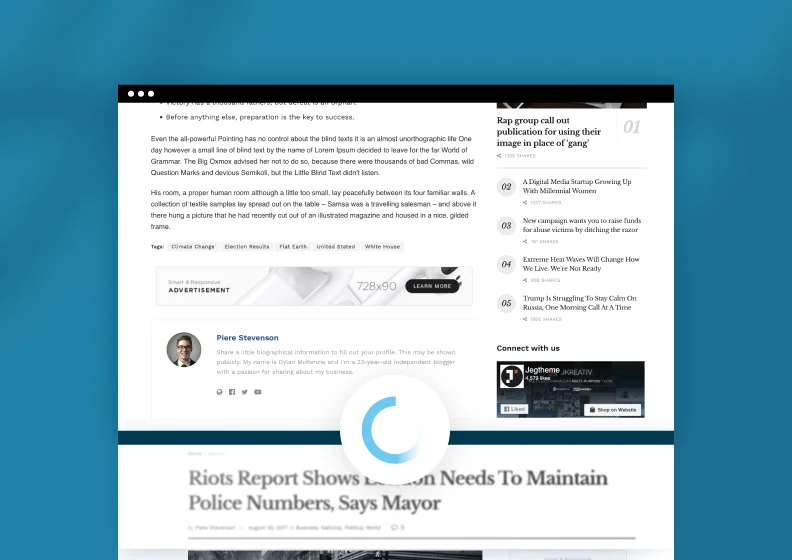
Auto Load Next Post
Load the next article automatically as readers reach the bottom of the page, keeping them engaged on your site longer without ever clicking a single next page button.
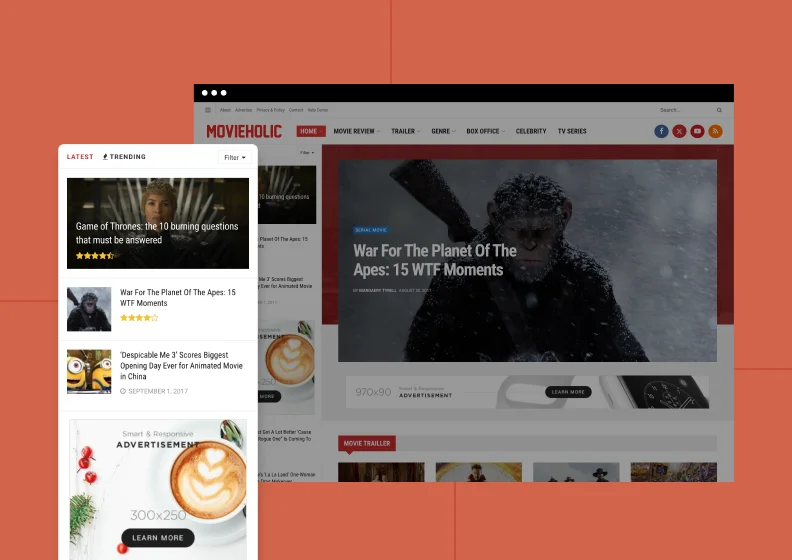
SideFeed
Display a live feed of your latest articles in a slide-out sidebar, giving readers quick access to more relevant content without leaving the page they’re currently viewing.

Web Stories
Create fast, mobile-first story experiences designed for swipeable discovery, visual storytelling, and short-form content that feels native to modern audience behavior.
Fast Performance on Every Device
JNews loads quickly on desktop and mobile, keeping Core Web Vitals scores in the green.


Frequently Asked Questions
JNews Block Theme is the block-based version of JNews, designed for news, blog, and magazine websites. It combines publishing-focused layouts and features with the flexibility of the WordPress Site Editor.
Yes.
JNews Block Theme lets you customize your headers, footers, page templates, and layouts directly in the WordPress Site Editor. You can also adjust global styles, including colors and typography, to create a consistent design across your website.
No.
JNews Block Theme lets you build and customize your entire website using blocks in the WordPress Site Editor. Gutenverse Pro is also included, giving you additional blocks and advanced design controls without needing Elementor or WPBakery.
No.
You can arrange blocks, customize layouts, and adjust your website’s styles visually. Coding skills are not required for everyday design and customization.
JNews Classic is the ThemeForest version of JNews.
JNews Twenty is the next evolution of JNews. Built on the same trusted foundation as JNews Classic, it brings continuous feature development, improved performance, modern publishing tools, advanced monetization features, and richer design options.
JNews Block Theme offers a native block-based editing experience, allowing you to customize your entire website through the WordPress Site Editor.
Your JNews Pro subscription includes both JNews Twenty and JNews Block Theme. If you already have JNews Pro, you can access both products at no additional cost, without a separate purchase.
Switching an existing website to JNews Block Theme requires checking your current layouts, settings, and plugins. Existing page-builder layouts may need to be recreated with blocks. Back up your website and test the transition on a staging site before making changes to your live website.