
Premium Outdoor Magazine WordPress Themes
Explore premium outdoor magazine WordPress themes for publishers covering sport, fishing and time spent outdoors. Compare broad sports coverage and focused fishing stories across JNews demos, then explore live homepages and article layouts that suit your audience and activities. Show MoreShow Less
Plan your outdoor publication
Choose the recurring activities and subjects your audience will return to. Compare photographs, story grouping and the way a homepage introduces a major feature alongside smaller discoveries. Decide how reported updates and longer practical articles should be distinguished so your publication remains useful beyond its latest story.
Give features a consistent editorial identity
A magazine-oriented layout should make a feature inviting without allowing presentation to overwhelm the story. Compare strong imagery with quieter article subjects and check how captions, introductions and longer reading fit together. Think about recurring columns, interviews and themed collections in your publishing plan. A coherent identity comes from using the layout consistently with your own photography, headline style and editorial decisions, rather than keeping every sample section exactly as it appears in a demo.
Compare relevant JNews demos
Use these examples as a starting point. Their descriptions reflect the demos assigned to this category; the live previews let you compare the actual homepage and article presentation.
- Sport: A sports news WordPress template for sports newsrooms and multi-sport magazines. Features a blue-and-green masthead above a mosaic of featured sports stories.
- Angling News: A fishing magazine WordPress template for fishing magazines and outdoor hobby publishers. Features a teal-accented homepage with a fishing image hero and curated outdoor stories.
Prepare your content before choosing a layout
Bring several real headlines, a short article, a longer feature and photographs with different shapes to your comparison. Check the selected demo details for its intended use and confirm the builder and import requirements for your setup. Plan your categories before adding sample content, then review the result on a phone as well as a desktop. Customise the structure around the stories you can maintain rather than trying to fill every demonstration section immediately.
Understand what a JNews demo includes
JNews provides the WordPress theme behind these designs. A demo gives you a prepared visual starting point and sample material for a particular publishing approach. Review the exact demo detail page for the layouts and requirements you intend to use; a preview is not a promise that every specialist service or integration is included. The designs in this catalogue belong to the premium JNews offering. Check the current purchase and licence information before deciding which setup suits your project.
Import and make the design your own
Install your JNews edition and the plugins required by the selected demo, activate the relevant licence and open the JNews Import Demo & Style tools. Review the available import choices before proceeding. Back up an existing site and try the import in staging first. Replace demonstration branding, navigation, articles and media with your own material, then use the available design controls to adjust the publication. Confirm any external services separately and test your finished homepage, archives and articles on desktop and mobile.
Showing 1–2 of 2 themes
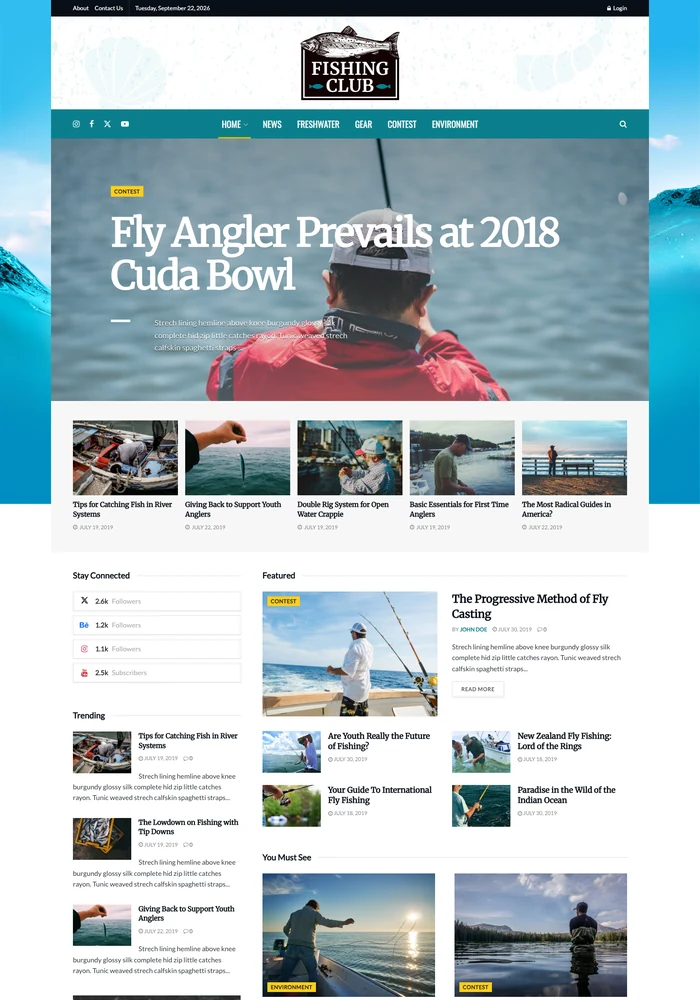

A fishing magazine WordPress template for fishing magazines and outdoor hobby publishers. Features a teal-accented homepage with a fishing image hero and curated outdoor stories.
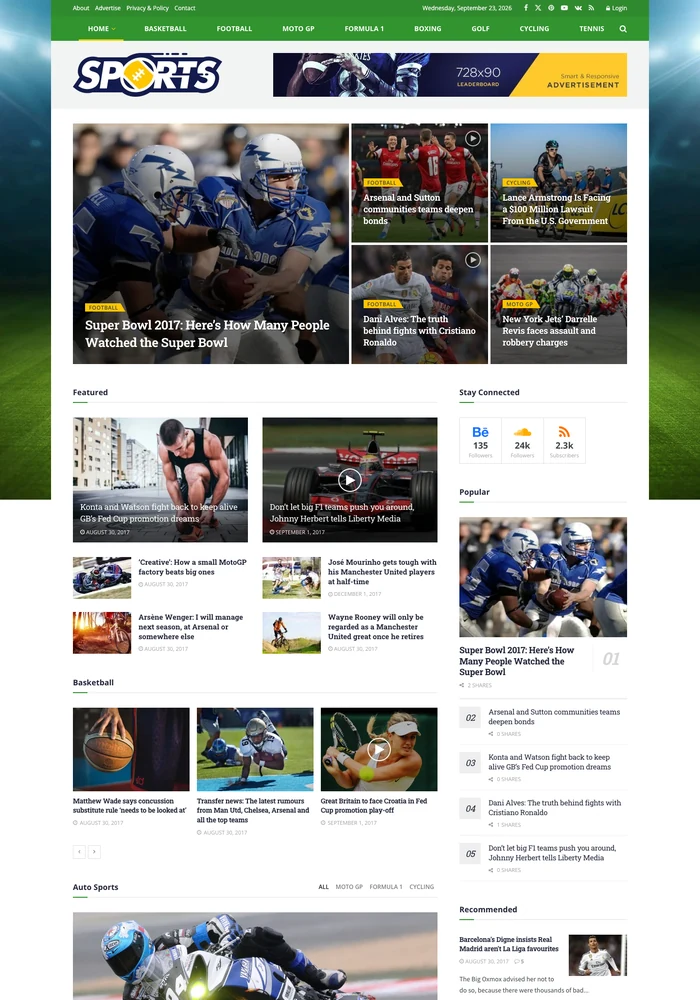
A sports news WordPress template for sports newsrooms and multi-sport magazines. Features a blue-and-green masthead above a mosaic of featured sports stories.
Join 29,815+ publishers already building with JNews.
From independent bloggers to high-traffic media companies, already chosen JNews to power their site.
JNews is the best blogging Theme for WordPress,with one-time fee This theme has everything you can possibly need for a blog, most of the features are simplest and really easy to learn.

Content Creator
I love the JNews theme. JNews enables you to create a good looking and highly converting news and blog website. Thanks to all the pre made templates,
you can have your own news and blog website up and running in no time.

Content Creator
Complete Solution for
News, Blog & Magazine Websites
That Perform
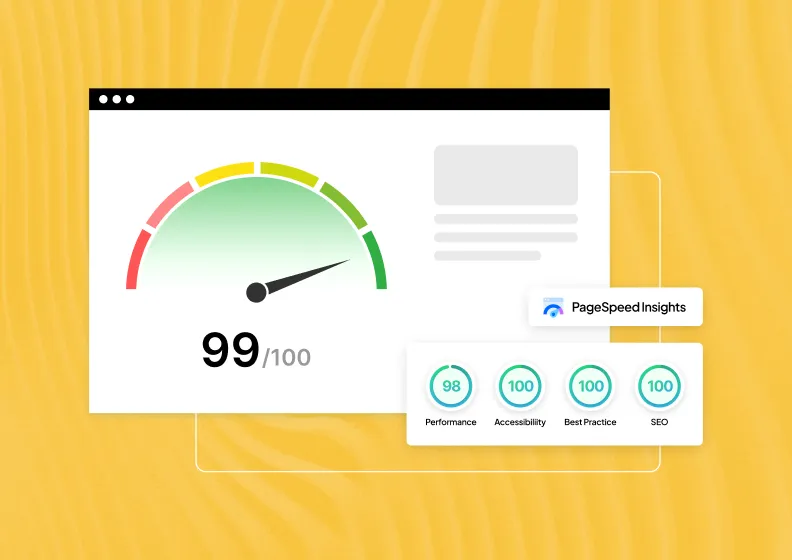
Speed & Performance
Every second of load time costs you readers and rankings. Core Web Vitals stay in the green, not just on a testing tool.
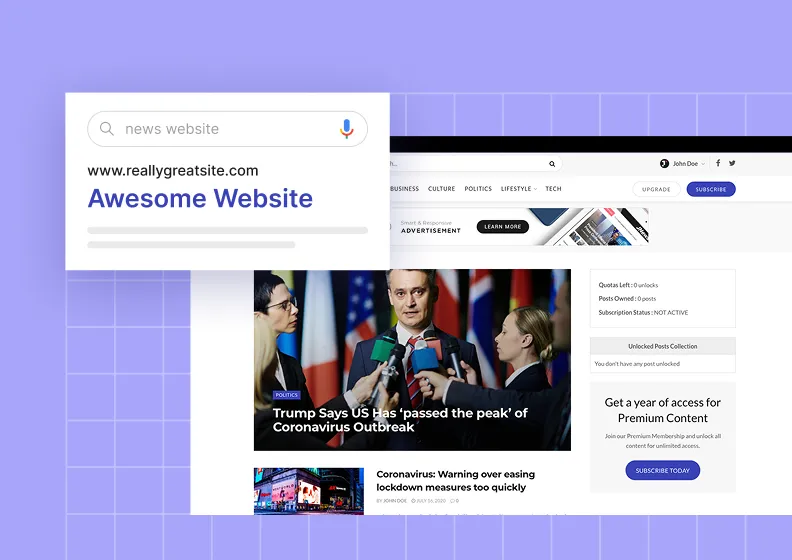
Native SEO
Structured data and clean schema markup get every post crawled and indexed from the moment it’s published.
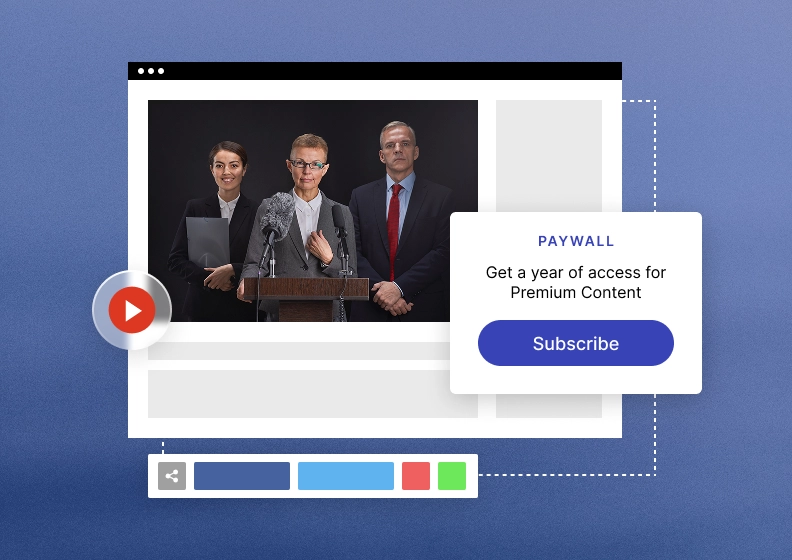
Monetization
Turn one website into multiple revenue streams, ads, subscriptions, affiliate, and sponsored posts, all native to the theme.
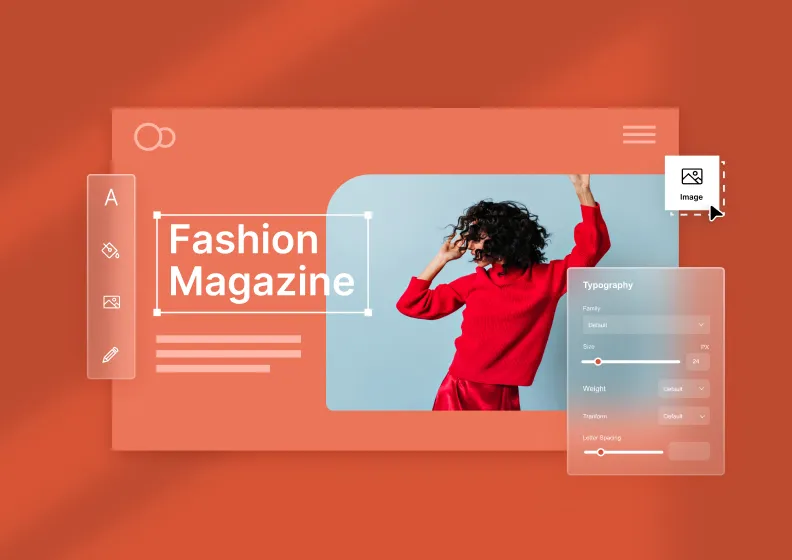
Design & Customization
Shape every part of your publishing site without touching a single line of code, from layouts & typography to colors and elements.
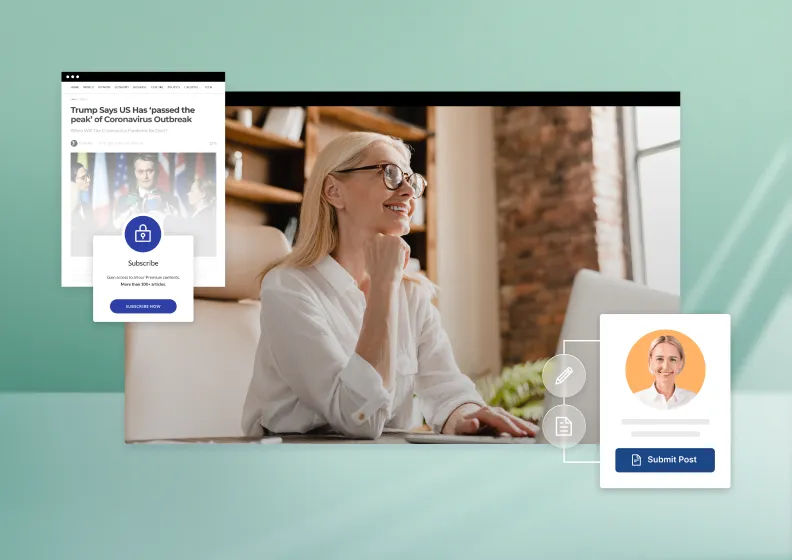
Publishing
Draft, schedule, and update content without leaving the editor. A faster workflow means more time for readers, less for admin.
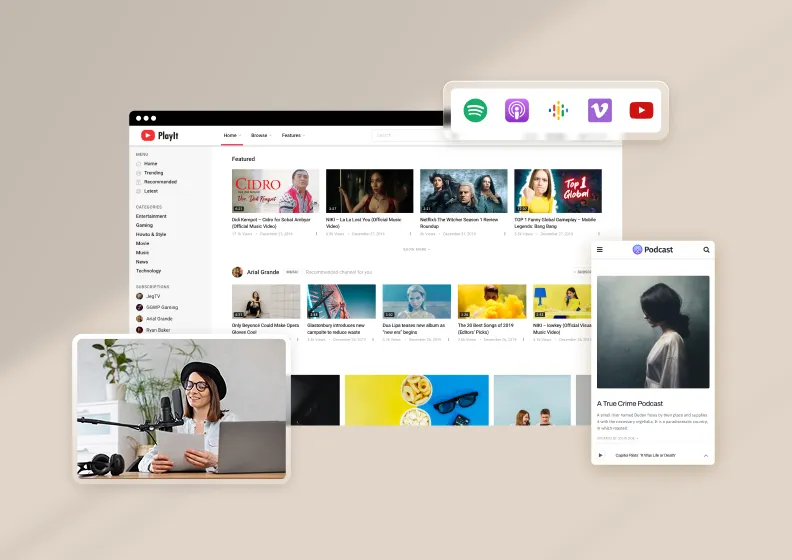
Rich Content Types
Go beyond articles with galleries, videos, podcasts, reviews, and recipes, each with its own dedicated layout.
Why Choose JNews
Top 6 Reasons Why You Should Use JNews
Frequently Asked Questions
Who are these outdoor magazine WordPress themes suitable for?


This collection is intended for publishers covering sport, fishing and time spent outdoors. Outdoor publications often lead with action, places and activities that readers follow repeatedly. These demos represent a broad sports presentation and a more focused fishing magazine, giving you two distinct ways to compare topical coverage with an activity-led editorial collection. Use it to compare publishing approaches within this subject, then choose the demo whose homepage and article presentation match the content you plan to maintain.
How do I compare a broad sports layout with a focused outdoor magazine?
Use your actual editorial scope as the starting point. A multi-sport site needs clear routes between regular coverage, while a focused fishing publication may give more space to a smaller range of activities. Compare both the headline arrangement and the longer article layout before deciding which structure suits your readers.
What should I compare in a outdoor magazine layout?
Choose the recurring activities and subjects your audience will return to. Compare photographs, story grouping and the way a homepage introduces a major feature alongside smaller discoveries. Decide how reported updates and longer practical articles should be distinguished so your publication remains useful beyond its latest story. Open both the homepage and complete articles, and compare the same content types across your shortlisted demos so the differences are meaningful.
Which outdoor demos should I preview first?
Start with Sport, Angling News. A sports news WordPress template for sports newsrooms and multi-sport magazines. A fishing magazine WordPress template for fishing magazines and outdoor hobby publishers. Open their live previews to compare the differences described here, then review the rest of the category if you need another editorial approach.
Can I customise a outdoor magazine demo for my own publication?
Use the selected demo as a starting point for your own content and editorial identity. Review its details and confirm the builder and import workflow for your setup before making changes. For outdoor publishing, compare your own photographs and headlines with the sample layout, then adjust the sections, navigation and visual choices around the stories you actually plan to publish.
What content should I prepare before using a outdoor magazine design?
Prepare a few real article titles, an introductory paragraph, a short post and a longer feature, together with photographs or other media you expect to use. Think about the recurring subjects relevant to publishers covering sport, fishing and time spent outdoors. Testing that content against the live previews helps you spot whether a homepage needs fewer sections, clearer categories or a different balance between images and text.
How should I compare these outdoor designs on mobile?
Open the live previews on a phone and compare the navigation, headline wrapping, image crops and the amount of scrolling needed to reach a full article. Follow a realistic route from a outdoor homepage to an article and then to another relevant story. Judge the experience with your expected content length and media, and test again after you have customised your chosen layout.
Can a outdoor publication expand into related subjects later?
Plan categories around recurring interests rather than creating a separate section for every article. Choose the recurring activities and subjects your audience will return to. Add related subjects when you have enough useful content to support them and check that the homepage still explains the publication clearly. Some JNews demos appear in both a publication type and a topic category, so you can compare nearby collections when your editorial scope changes.
What is the difference between JNews and a demo design?
JNews is the underlying WordPress theme. The demos are prepared designs that show different ways to present a publication with that theme. Choose a demo as a starting point, then replace its sample material and adapt the layout to your own audience. Check the selected demo details for its requirements rather than assuming that every preview uses exactly the same setup.
Are the outdoor designs free standalone WordPress themes?
These designs are part of the premium JNews theme collection. They are not separate free themes to install independently. Review the current JNews pricing, licence terms and the selected demo requirements before purchase or import. The catalogue helps you compare visual and editorial approaches, while the product information explains which edition and access apply to your project.
How do I import a JNews demo for outdoor?
Prepare a WordPress installation with your JNews edition and the required plugins, activate the relevant licence and use the JNews Import Demo & Style tools to review the available choices. Back up an existing site and test the process in staging. Replace sample text, logos, images and navigation with your own material afterwards, and configure any external services needed for the features you plan to use.